 Precast
For reviewers
Mark the moment, wherever you listen.
Someone wants your ears on their next episode. Open the invite link, listen in your browser or the Precast iPhone app, and drop a marker wherever something catches your ear. No account needed, and reviewing never costs you anything.
The app is free to download, with usage limits. Episodes you're invited to review have no limits.
What happens next
-
Open your invite
Tap the link in the email. That's your way in.
-
Listen, browser or app
Review right in your browser, or open the invite in the Precast iPhone app.
-
Mark what you hear
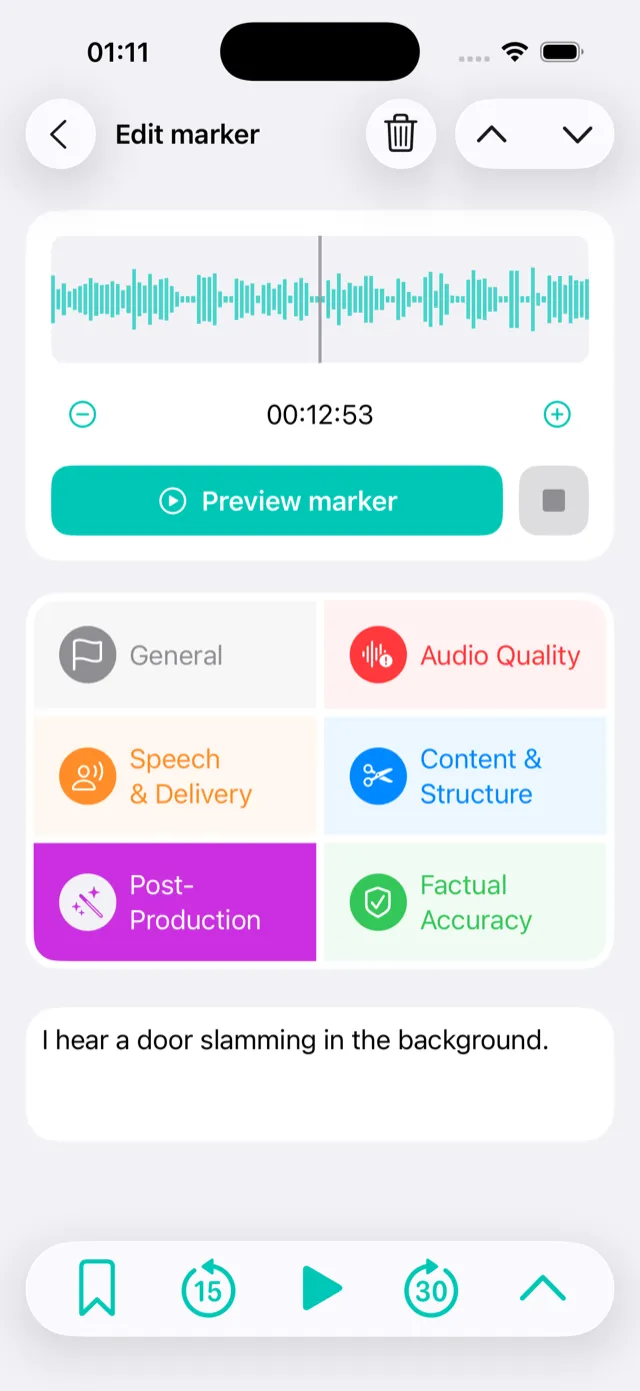
Add a marker at the exact second, pick a category and leave a note. It syncs to the producer automatically.
On iPhone
Built for listening, not for admin.
-
Deadline reminders
A push notification before the producer's deadline, so nothing slips.
-
Add episodes your way
Besides invites: paste a URL, pick a file, use the share sheet or open a link.
-
New episodes find you
Invited to a whole show? Each new episode shows up in the app as soon as it's ready for review, and you get a notification.
-
Optimized for iPad and iPhone Duo
Same app, with room for the waveform and your notes side by side.
Your phone stays in your pocket.
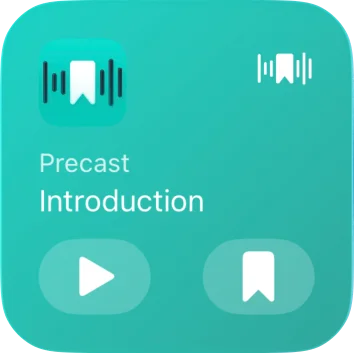
Listening on a walk or in the car? Drop a marker from the Lock Screen, a widget or CarPlay without opening the app. It waits for you, at the right second.
Close enough isn't good enough.
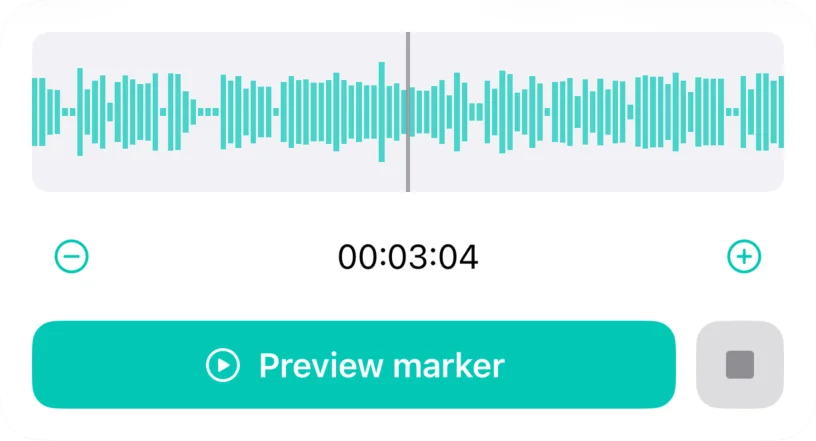
Tapped a second late? Nudge the marker in the waveform editor and preview it until it sits exactly on the stumble, the click or the cough.
In your browser
No app? Nothing to install.
The invite opens in any browser, so laptops and Android phones work too. Press play and tap a category the moment you hear something: the marker lands on that second. Add a comment, nudge it a second earlier or later, or change its category. Chapters, skips and playback speed help you find your way around a long episode.
Try it right here, on a real episode.
Turn on JavaScript to add markers while you listen.
Markers (0)
No markers yet. Play the episode and use the buttons above to add one.
Make your own show? Precast is free.
One episode a month, free for good.